
Description
Description
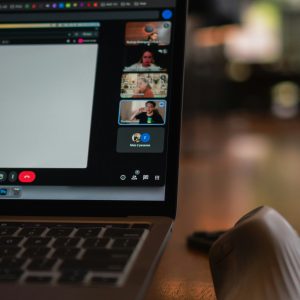
This product should be used by customers who already have webinar recordings and want to make better use of them after the live session. It teaches how to package a replay so the content still feels organized, valuable, and easy to consume for late viewers. The customer will use this toolkit to prepare replay pages, write replay introductions, trim unnecessary sections, and add viewer guidance around the recording. It includes replay planning templates, editing checklists, access-page copy prompts, and a viewer experience worksheet. A customer should choose this product when they want their webinar recording to keep working as a learning asset or lead-generation asset. The toolkit explains what to keep, what to cut, and how to present replays in a more professional format. It also covers how to add context for viewers who were not present live and may not understand references made during the session. The included materials help the customer avoid publishing raw recordings that feel too long, messy, or disconnected. This is a practical digital product that can be applied immediately to past and future webinar replays. It supports a better learner experience and extends the value of each webinar event. By the end, the customer should have a clear process for transforming recordings into structured replay products. All materials are delivered digitally for instant access.
Format
Downloadable toolkit with checklists, templates, and replay packaging guides.
Duration
Self-paced resource pack for immediate implementation.
What You’ll Learn
How to improve the structure and usefulness of webinar replays.
How to prepare replay access pages and viewer guidance.
How to trim unnecessary sections from recordings.
How to repurpose webinar recordings more professionally.
How to increase the long-term value of each webinar session.
Target Audience
Trainers, educators, marketers, and business owners who want better replay content from recorded webinars.